WPS payroll in the UAE: what the file needs, where the numbers come from, and how it reaches your books
Most UAE employers do not have a payroll problem. They have a re-keying problem: attendance in one sheet, leave in an inbox, salaries in a second sheet, the bank file in a third, and the journal entry typed in weeks later. This guide walks through what the WPS file actually has to contain, how attendance and leave should feed it, and how a payroll run can land in the general ledger without anyone typing a number twice.
18 July 2026 · 8 min read
On this page
The month-end most employers recognise
It is the 27th. The site supervisor sends attendance as a photograph of a paper sheet. HR retypes it into a spreadsheet, adds overtime from a second sheet, subtracts three days of unpaid leave approved by email mid-month, and produces a salary summary. That summary is retyped into the bank's template for upload. Weeks later, the accountant posts one large journal so wages appear in the books at all.
Four versions of the same numbers. Three opportunities to mistype an IBAN. And no single place where you can answer the question an auditor, an inspector or an unhappy employee will eventually ask: what exactly was this person paid in March, and why was it that amount?
Underneath all of this sits the Wages Protection System. Getting WPS payroll in the UAE right is less about the file format than about where each figure comes from — and whether it traces back to an approved timesheet, an approved leave request and a posted journal without anyone rebuilding it by hand.
What WPS is, and who it applies to
WPS is an electronic salary transfer scheme operated by the Ministry of Human Resources and Emiratisation with the UAE Central Bank. Rather than paying staff in cash or by ad-hoc transfer, the employer sends a structured salary file to an approved agent — a bank, an exchange house or another licensed institution — which executes the transfers and reports them back to the ministry.
The point of the exercise is proof. The ministry can compare what you paid against the salary registered on each employee's contract, and see whether it arrived on time. That is why the file asks for identifiers rather than names, and why a shortfall of a few hundred dirhams matters even when both sides agree it was correct.
Mainland companies under the ministry's remit are the core case. Several free zones run their own wage-protection arrangements and the financial free zones have separate employment regimes, so confirm the applicable scheme and specification with the relevant authority and your bank. What follows describes the mainland file and the habits that make any of these schemes survivable.
What the WPS file has to contain
The salary file is a plain delimited file with two kinds of rows: one row per employee, and a single control row summarising the batch. Between them they carry roughly the following:
- Per employee: the employee's unique labour identification number, the agent code of the institution holding their account, their IBAN, the start and end dates of the pay period, the number of days that period covers, the fixed salary element, the variable element such as overtime and allowances, and the days of unpaid leave taken within the period.
- Per file: the employer's establishment identifier, the employer's own agent code, the date and time the file was created, the salary month it relates to, the total number of employee rows, the total value being paid and the currency.
Column order, date format and permitted characters are set by the scheme and your agent, and are revised from time to time. Confirm the current specification with your bank before your first run rather than trusting a template downloaded two years ago.
Notice how little of that file is payroll arithmetic. Most of it is identity and reconciliation: identifiers that must match a registration held elsewhere, and totals that must match the rows above. Each field is the end of a chain that started in HR.
How attendance and leave feed the numbers
The split between fixed and variable pay is the first place the chain breaks. Fixed pay is the contracted basic plus standing allowances — housing, transport, phone. It should not need recalculating each month, and when it changes, the change should come from a recorded amendment to the salary structure, not a manual edit to a spreadsheet cell.
Variable pay is where the month actually lives: overtime hours, shift differentials, commission, deductions. This is attendance data, and it becomes trustworthy only when the people approving it are the people who saw the work happen. A supervisor approving their team's overtime inside the system is auditable. A photograph of a signed sheet is not.
The unpaid-leave field deserves particular attention, because it is the field that explains a shortfall. If someone was paid less than their registered salary, the file has to say how many days they were unpaid, and your leave records must agree. Approved leave, unpaid leave, part-paid sick leave and unapproved absence all land differently, and need distinguishing at approval, not at payment.
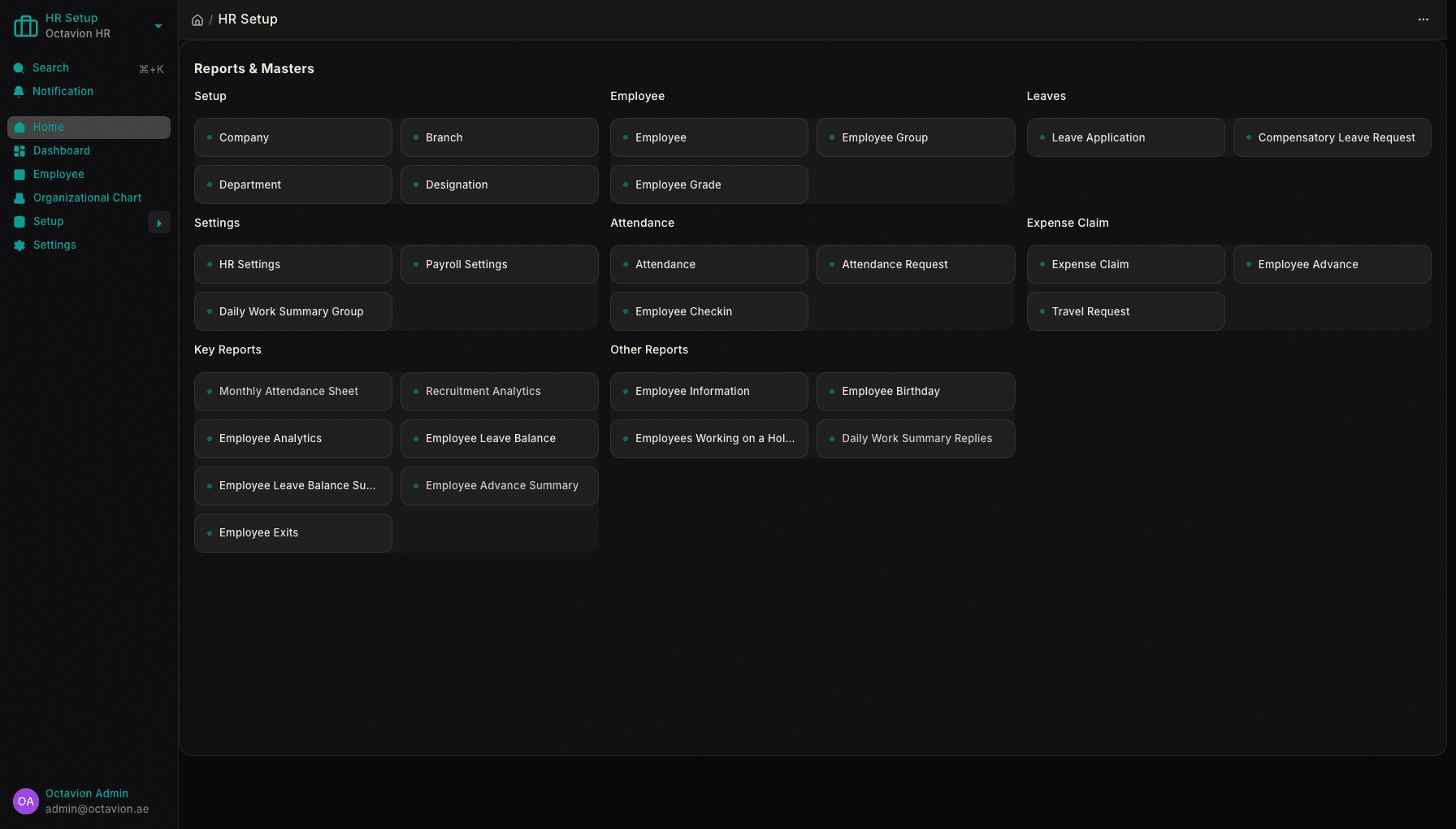
Joiners and leavers add the last complication: a pro-rata calculation on the actual day count in the period, and for leavers, an end-of-service settlement based on length of service. Handling this cleanly is what HR and payroll built for WPS is for — employee records, attendance, leave balances, salary structures and the payroll run on one dataset. Teams that run rotas rather than office hours, such as clinics and healthcare providers, feel the difference most, because their variable pay is the norm rather than the exception.
Running payroll without re-keying
A payroll run should be a short sequence with no typing in it. You define salary structures once — components, formulas, which components are fixed and which are variable — and assign each employee to a structure. At month end you create the run for a date range, and it pulls in attendance and approved leave for exactly that range, applies the formulas, and produces a payslip per employee.
Everything after that reads from those payslips: the totals shown to management, the bank file, the accounting entries. Because the IBAN and the labour identification number live on the employee record, the file carries the same identifiers your HR team maintains rather than a copy that quietly went stale.
The file is produced from the approved run and handed to your agent through their channel: the platform prepares it, and the submission relationship stays between you and your bank. Approval matters: nobody should be able to generate a payment file from a run a manager has not signed off, and salary is the one dataset where loose permissions cause lasting damage.
Once the data is in one place, the questions get easier. Overtime as a share of payroll by department, headcount cost per project, allowance drift month on month — these stop being a spreadsheet exercise. The voice-first AI assistant reads that live data directly, in Arabic or English, which is often how a finance manager first notices that one branch's overtime has doubled.
How payroll posts into the books
The gap most businesses live with is between payroll and the general ledger. Salaries are paid in one system and recorded in another, usually late, as a lump figure that says nothing about which department or project consumed it.
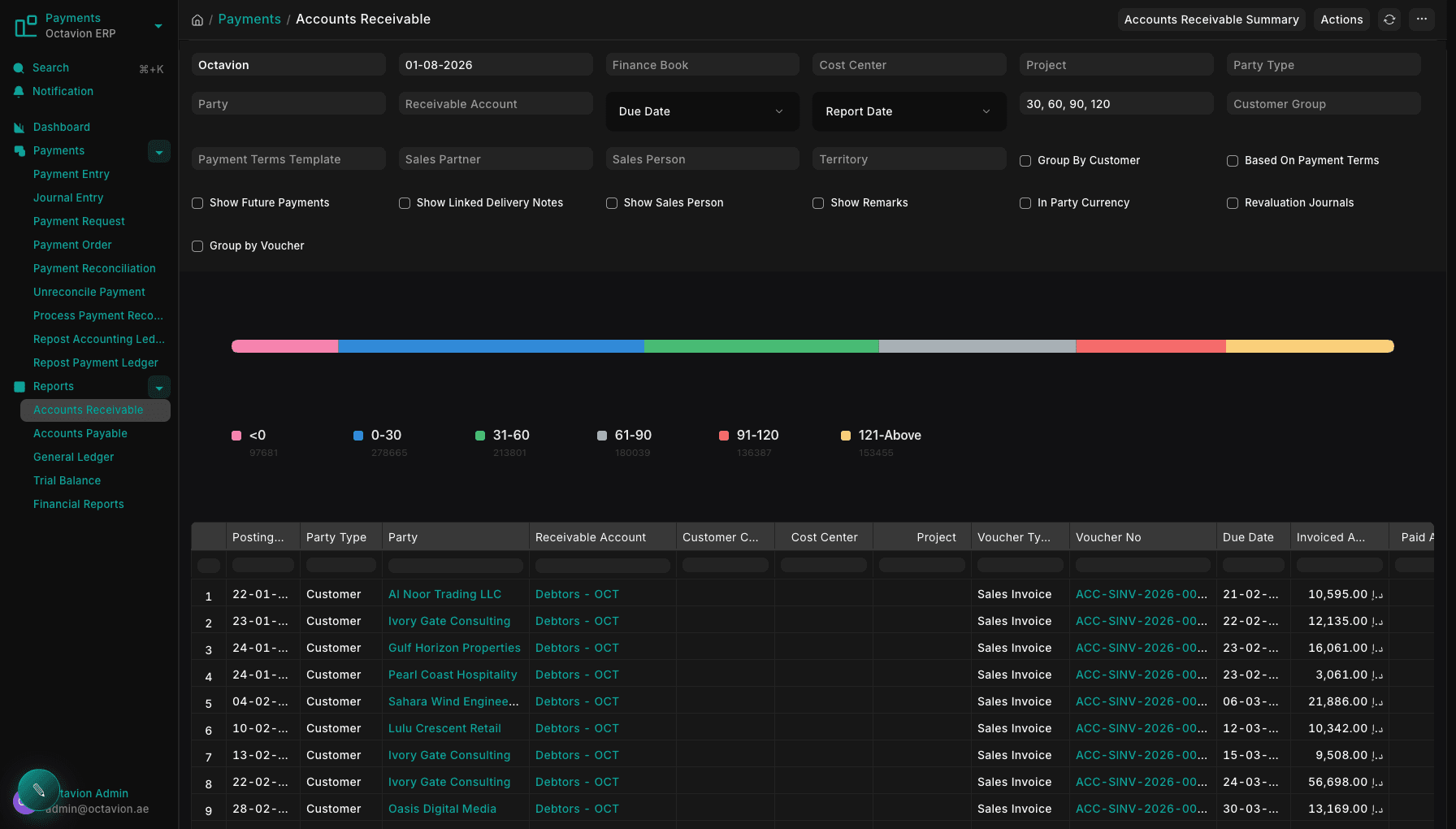
Done properly, an approved payroll run generates two entries. The first is the accrual: gross wages recognised as an expense, split by the cost centre or project each employee is assigned to, with deductions and the net amount owed sitting as a liability. The second is the payment entry, which clears that liability when the transfer settles against your bank account. Reconciling the statement becomes matching rather than investigation.
End-of-service is the entry spreadsheets miss most often. The obligation builds month by month for every employee, and a business that recognises it only when someone resigns meets it in a month already forecast.
Because the expense carries cost centres, project profitability finally includes the people on the project rather than only the materials. That is the argument for keeping payroll inside the accounting and stock side of Smart ERP instead of alongside it: the ledger that carries your invoices, your supplier bills and your 5% VAT treatment also carries your wage cost, at the same level of detail. Our guide to what a VAT-ready ERP actually has to do in the UAE covers the tax side of the same decision.
Why files get rejected, and how to stop it
Rejections cluster around a handful of causes, almost all of them data-quality problems rather than payroll problems. An IBAN belonging to a closed account, or transcribed with a digit missing. An employee whose work permit has ended but who is still in the file. A control row whose totals do not equal the sum of the detail rows, usually because someone edited the file after it was generated. A pay period that does not match the month declared. An agent code left stale when an employee switched bank.
The more serious category is a payment materially below the registered contractual salary with no unpaid-leave days to explain it. That is not a formatting error, and it can hold up new work permits until resolved.
The defences are unglamorous. Validate before you submit, not after. Never edit a generated file by hand — fix the underlying record and regenerate, so the payslips and the file cannot diverge. Keep bank details on the employee record, changed through an approved request, so a misdirected salary leaves a trail. And keep every historical run, because "what did we pay in March" is asked far more often than anyone expects.
What to check before you switch
If you are assessing a system to take this over, insist on a full cycle rather than a screenshot tour. Specifically:
- Run one month end to end: attendance approved by a supervisor, one unpaid leave request, one mid-month joiner, payslips generated, file produced, journals posted, bank reconciliation matched.
- Then break something on purpose — change an IBAN, add a leaver, alter a salary structure mid-period — and watch whether the correction flows through to the file and the ledger, or whether someone has to fix it in three places.
Beyond payroll, the sensible questions are about the platform: whether HR shares a database with accounting, whether Arabic and English are both first-class, and how each tenant's data is kept separate. Octavion hosts the platform from Dubai, so servers are not your problem, but access control still is. You can read the full feature list, see how the platform is set up for different industries, or work through the product documentation.
Here is the honest version of the pitch. Payroll is not a weekend migration — you will need employee records, IBANs, salary structures and opening leave balances before your first live run, and the first month should be run in parallel with whatever you use today. What you can do quickly is prove the workflow. The 7-day trial starts here, per-seat pricing in AED is published in full, and there are answers to the questions employers ask most. If your setup has a wrinkle worth talking through — multiple establishments, mixed free zone and mainland staff, unusual shift patterns — speak to the team in Dubai before you start the clock.